Overview
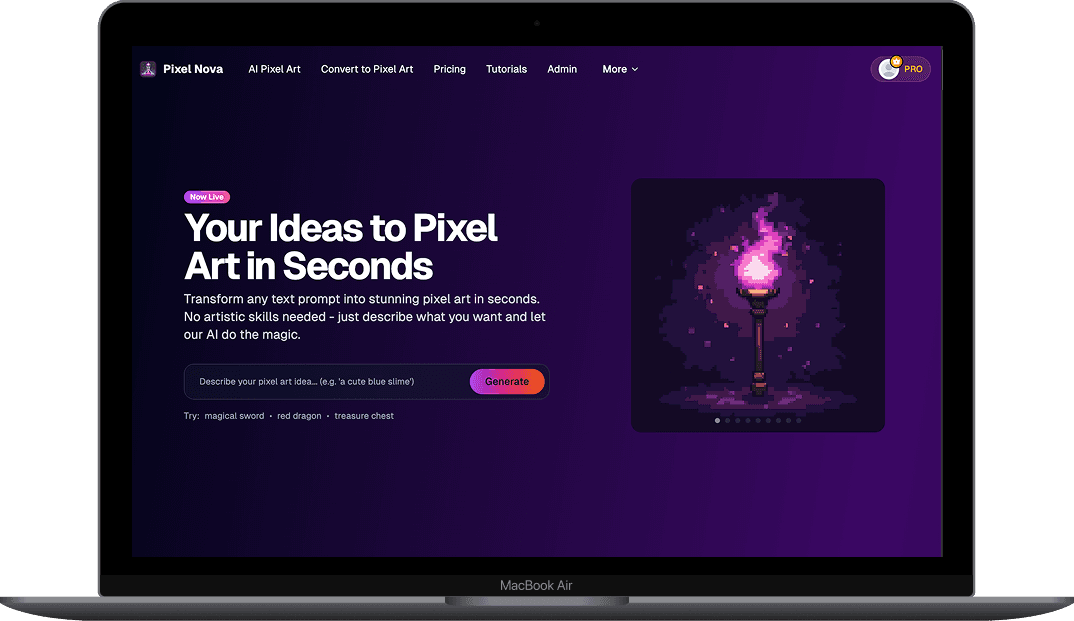
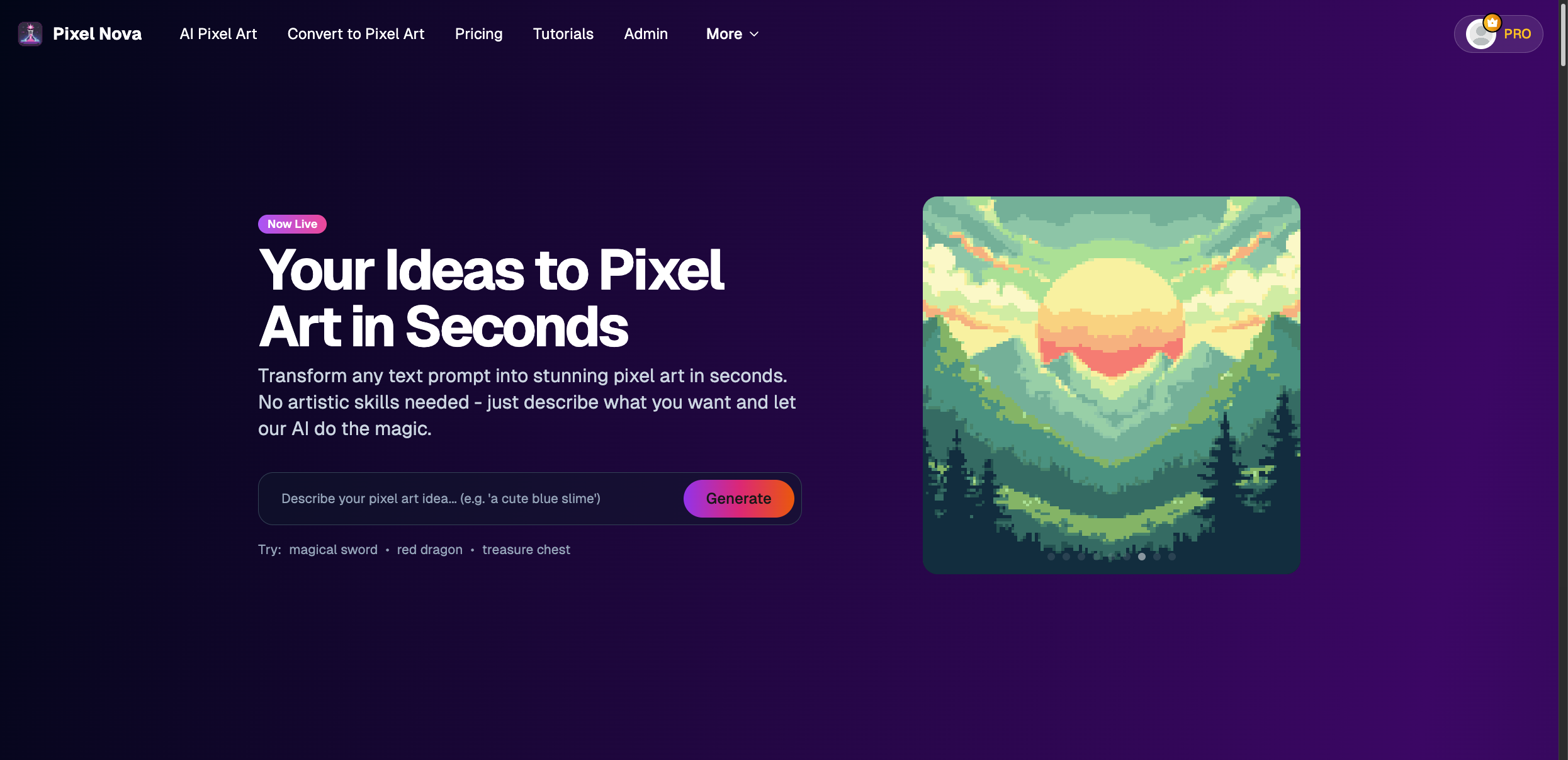
PixelNova is a pixel art generation and conversion platform I built and launched under SpringerLabs LLC in partnership with Pixel Palette Nation, a pixel art community that served as the initial distribution channel. The platform generates pixel art from text prompts, converts existing images into true pixel art, and includes a gallery and browser-based editor. It acquired over 600 users, but never reached the paying subscriber threshold needed to sustain it. The project produced a genuine technical contribution in its custom downscaling algorithm, and an equally genuine education in what happens when a good technical insight meets a market that moves faster than you can.
The Problem
The founding insight was something I noticed while using Midjourney, DALL-E, and Stable Diffusion to generate pixel art. The images they produce look pixelated at a glance, but they are not actually constructed at the pixel level. They are rasterized diffusion outputs with anti-aliasing, color gradients, and inconsistent pixel sizes baked in. If you zoom in on an AI-generated "pixel art" image, you see hundreds of colors bleeding into each other where there should be hard edges. Drop one of these images into a game engine or a pixel art editor and it falls apart immediately.
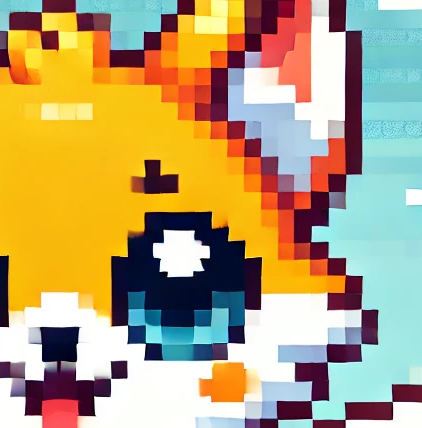

Real pixel art has a consistent pixel grid, sharp boundaries between colors, no anti-aliasing, and a deliberately limited color palette. That is what makes it editable, scalable, and usable as a game asset. No mainstream AI tool produced output with these properties. I built PixelNova to close that gap.
The Conversion Algorithm
The technically interesting part of PixelNova was never the AI generation itself. It was the image processing pipeline that converts any image into true pixel art.
Standard image processing libraries use interpolation methods (bilinear, bicubic) when scaling images. These methods average surrounding pixel values, which produces smooth gradients instead of hard pixel edges. That is the correct behavior for photographs, but it destroys pixel art. I needed an algorithm that preserved hard color boundaries during downscaling, because that is what defines the pixel art aesthetic.
I originally wrote the algorithm as a custom C++ module compiled to WebAssembly. It ran in the browser and performed pixel-perfect downscaling by using a grid-based system that mapped source pixels to target grid cells (using the median, not average). This stood the test of time and was the basis for the final algorithm.
I replaced the C++ WASM module with a third-party Rust module that optimized the core approach and handled edge cases more cleanly. The algorithm went from a C++ to WebAssembly client-side to a Rust module server-side.
The Difference
The conversion tool was computationally cheaper than AI generation and was the feature that drove the most perceived value. Users could take any AI-generated image, from any tool, and convert it into something that actually works as pixel art.
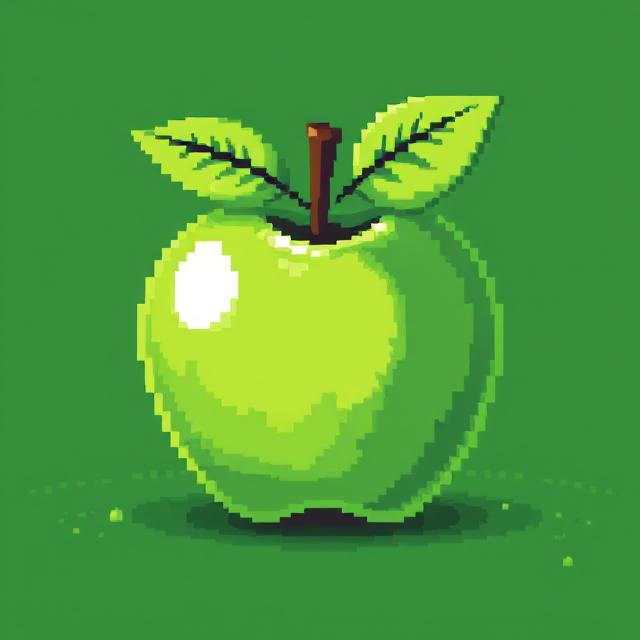

AI Generation
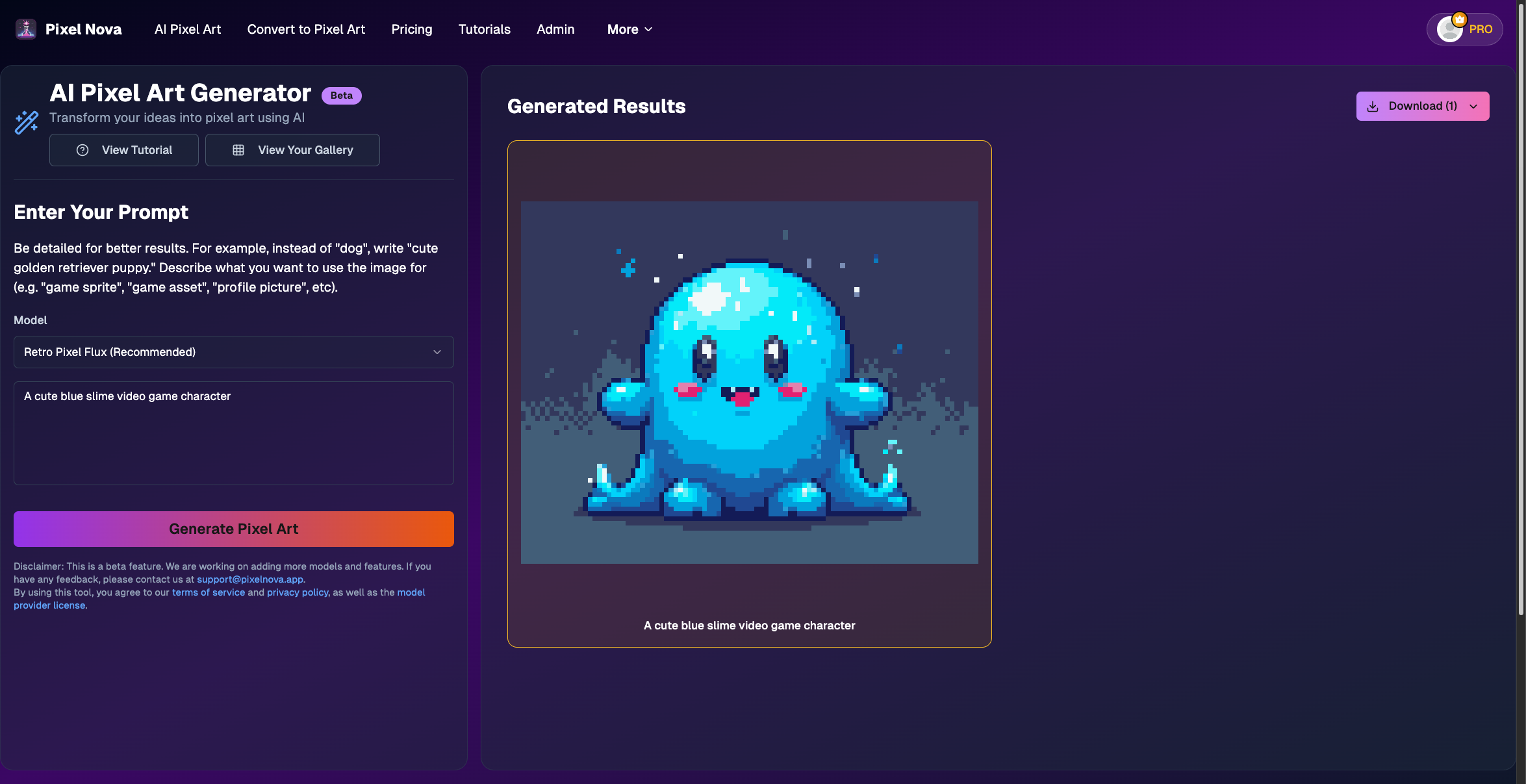
The generation feature let users create pixel art from text prompts. I ran inference through HuggingFace on a pay-as-you-go basis, using LoRA models like Retro-Pixel-Flux-LoRA that were optimized for pixel art aesthetics. The pipeline generated an image from the prompt and then ran it through the conversion algorithm to produce true pixel art output.

The generation workflow borrowed from the same pattern every AI art tool uses: describe what you want, click generate, download the result. I built prompt suggestions into the interface and supported multiple download formats including individual PNGs and ZIP archives.
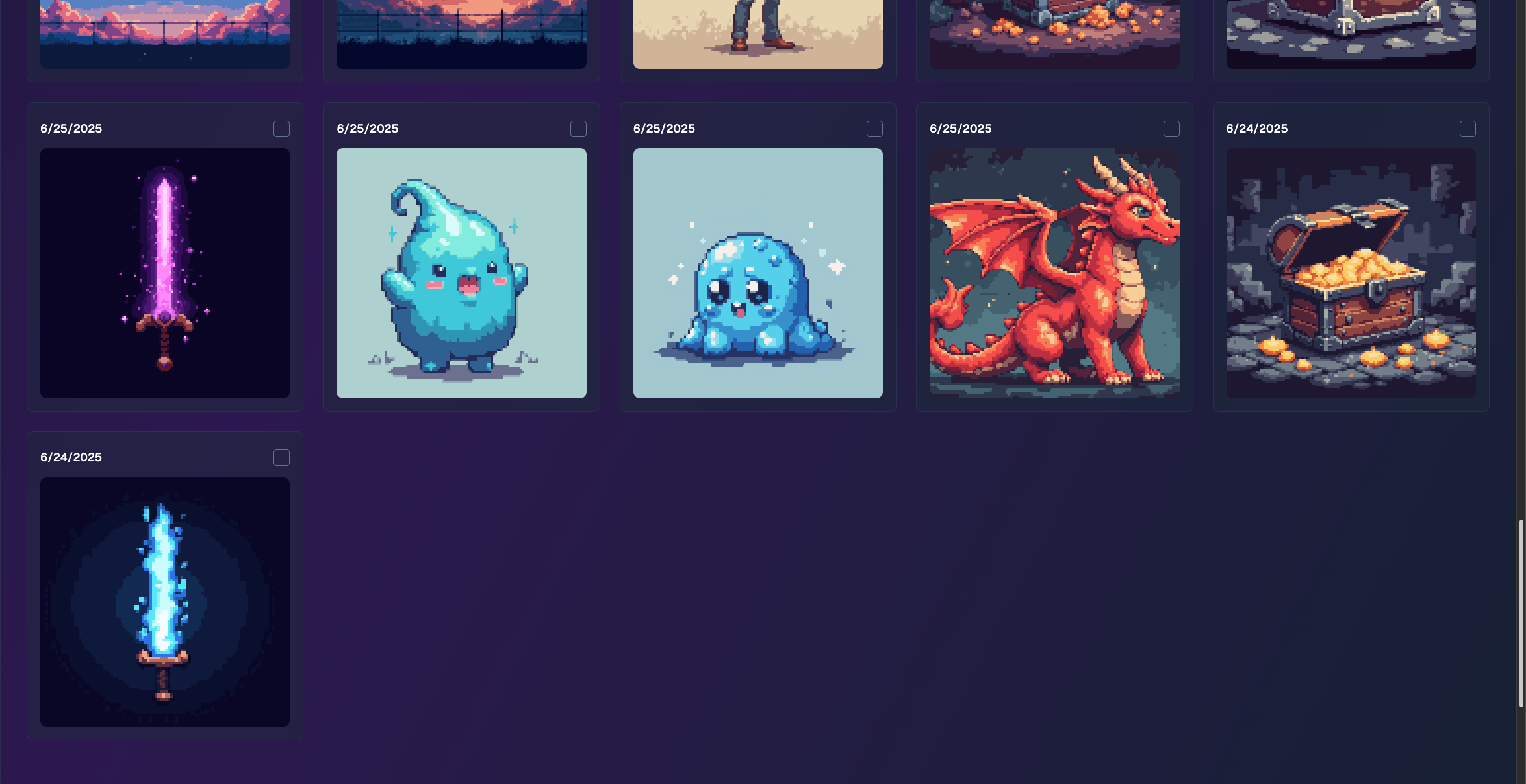
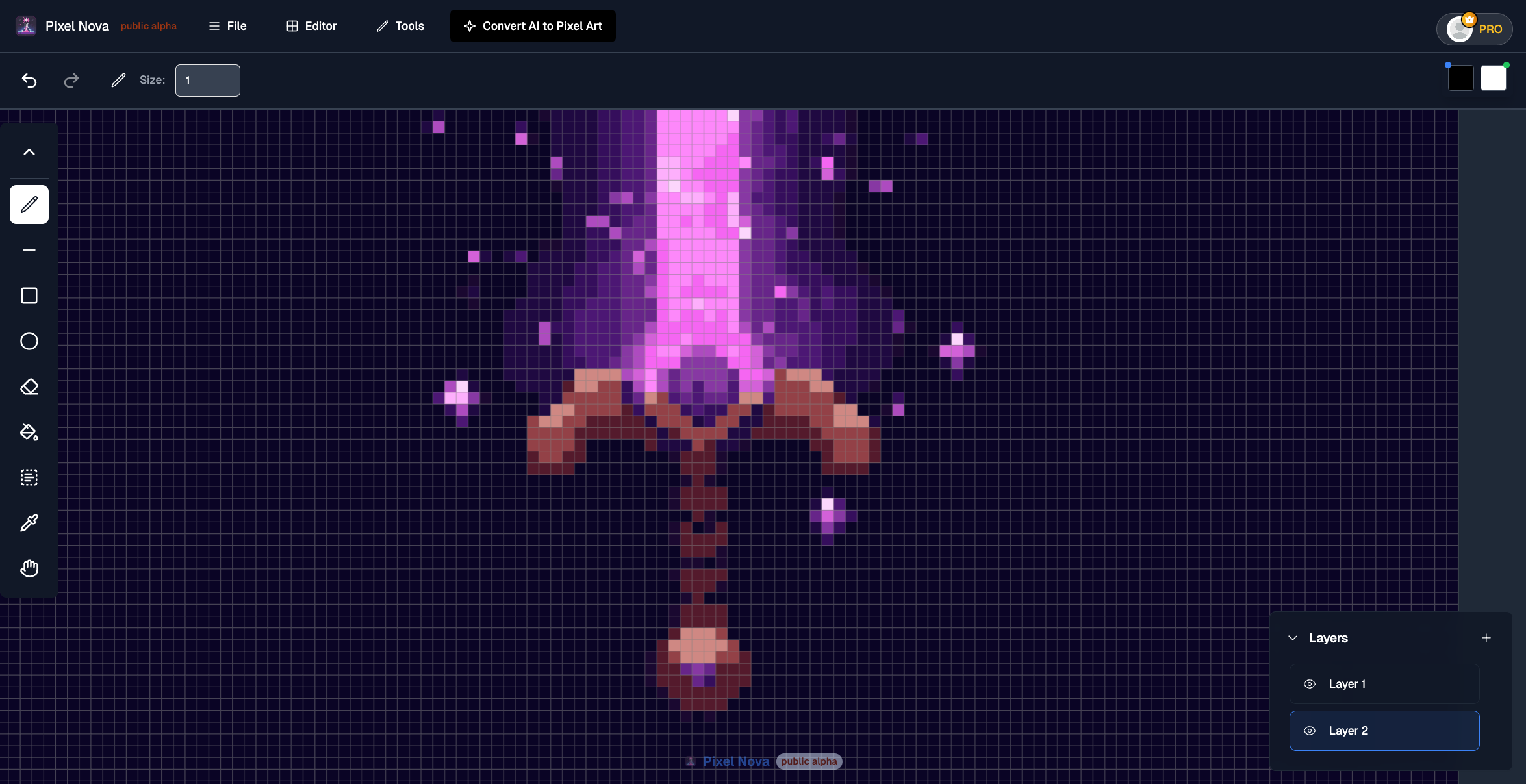
The platform also included a gallery that saved every generation to the user's account, and a browser-based pixel art editor with layer support for post-generation touch-ups. The editor was positioned as a way to refine AI output without leaving the platform, though in practice most users downloaded their images and edited them in dedicated tools like Aseprite.
The Conversion Workflow
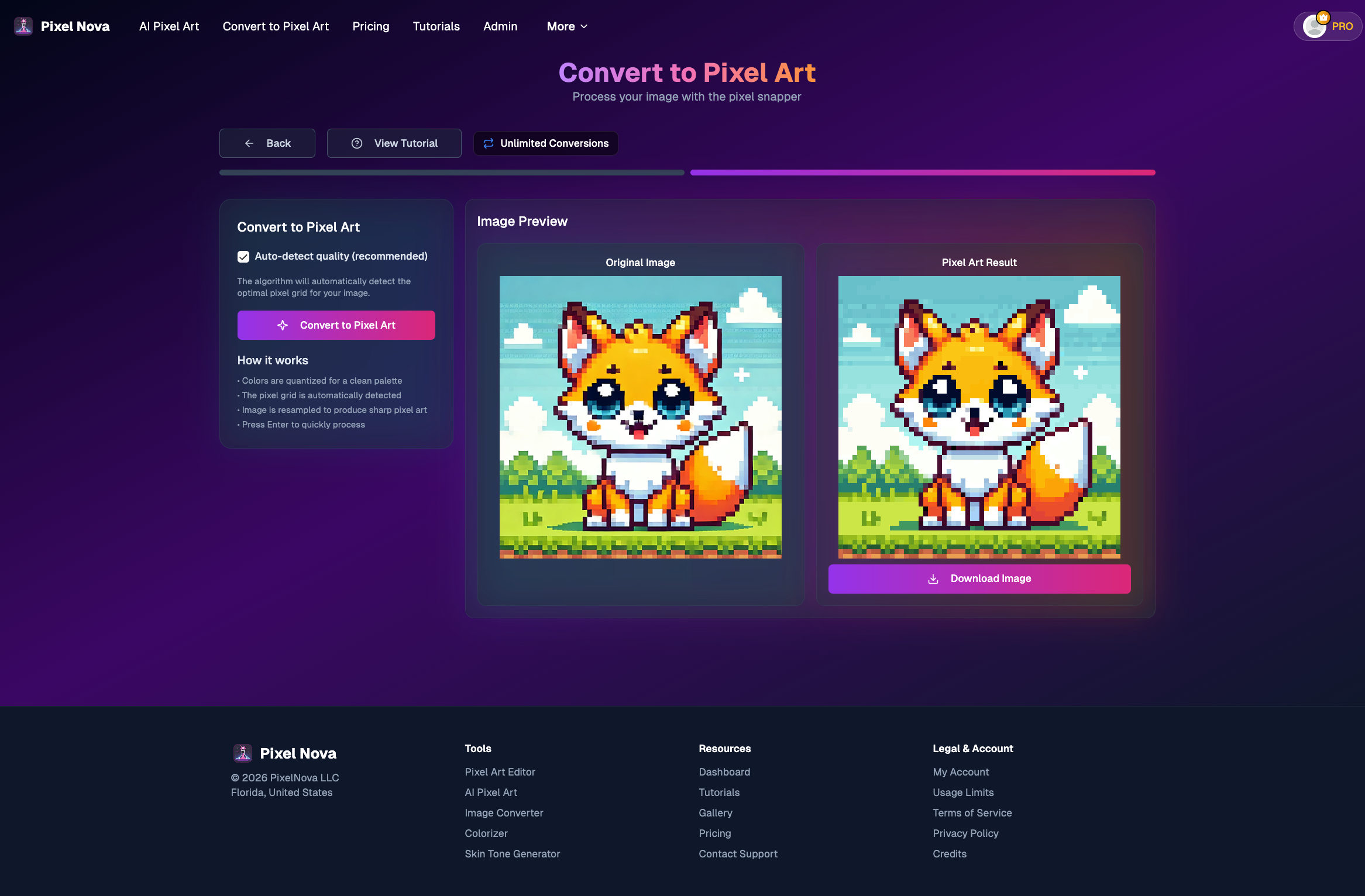
To illustrate the full conversion pipeline, here is what the process looks like end to end. A user generates an image using any AI tool (ChatGPT, Midjourney, DALL-E), uploads it to PixelNova, sets a target resolution, and downloads true pixel art.
Step 1: Generate an Image with AI
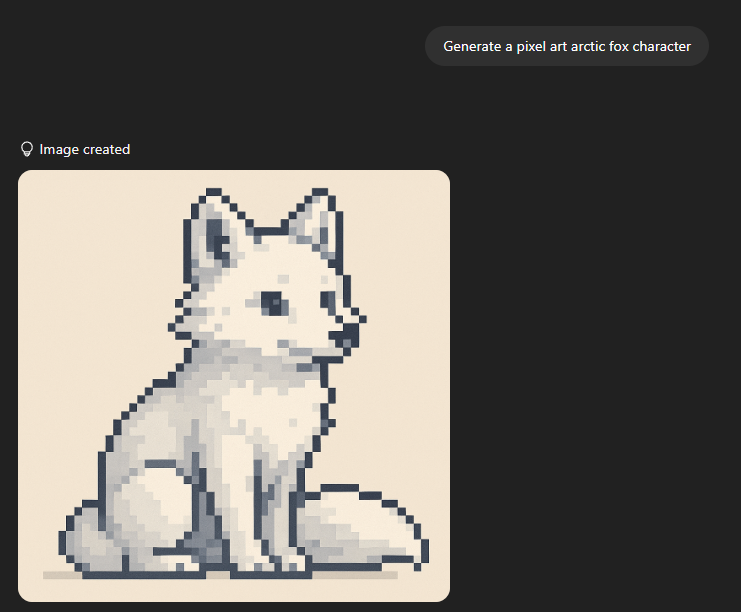
The user prompts any AI image generator. In this example, ChatGPT generates a pixel art arctic fox character. The output looks good at this size, but it is not real pixel art.
Step 2: Convert to True Pixel Art
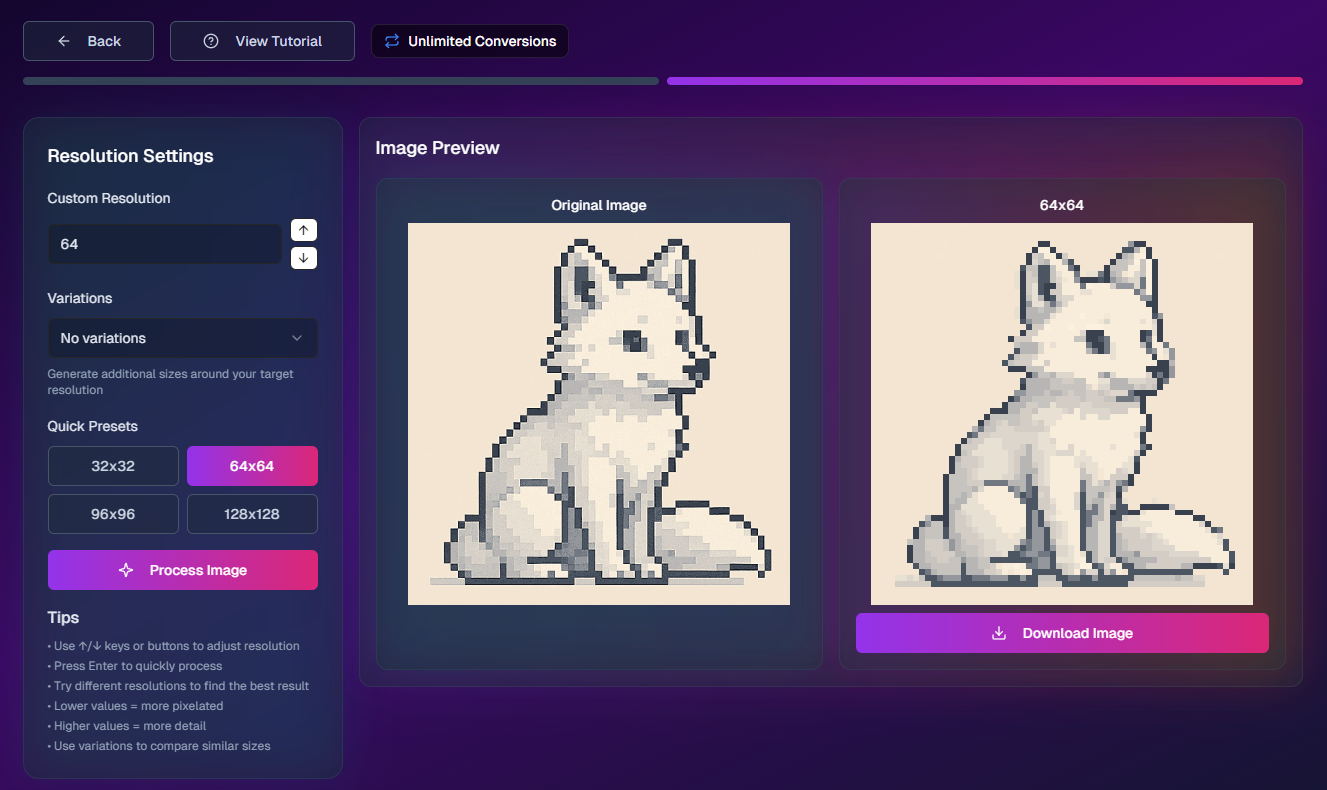
The user uploads the AI output to PixelNova's conversion tool, selects a target resolution (64x64 in this case), and the algorithm processes it. The result is a properly gridded pixel art image with clean edges and a limited color palette.
Step 3: Compare the Results
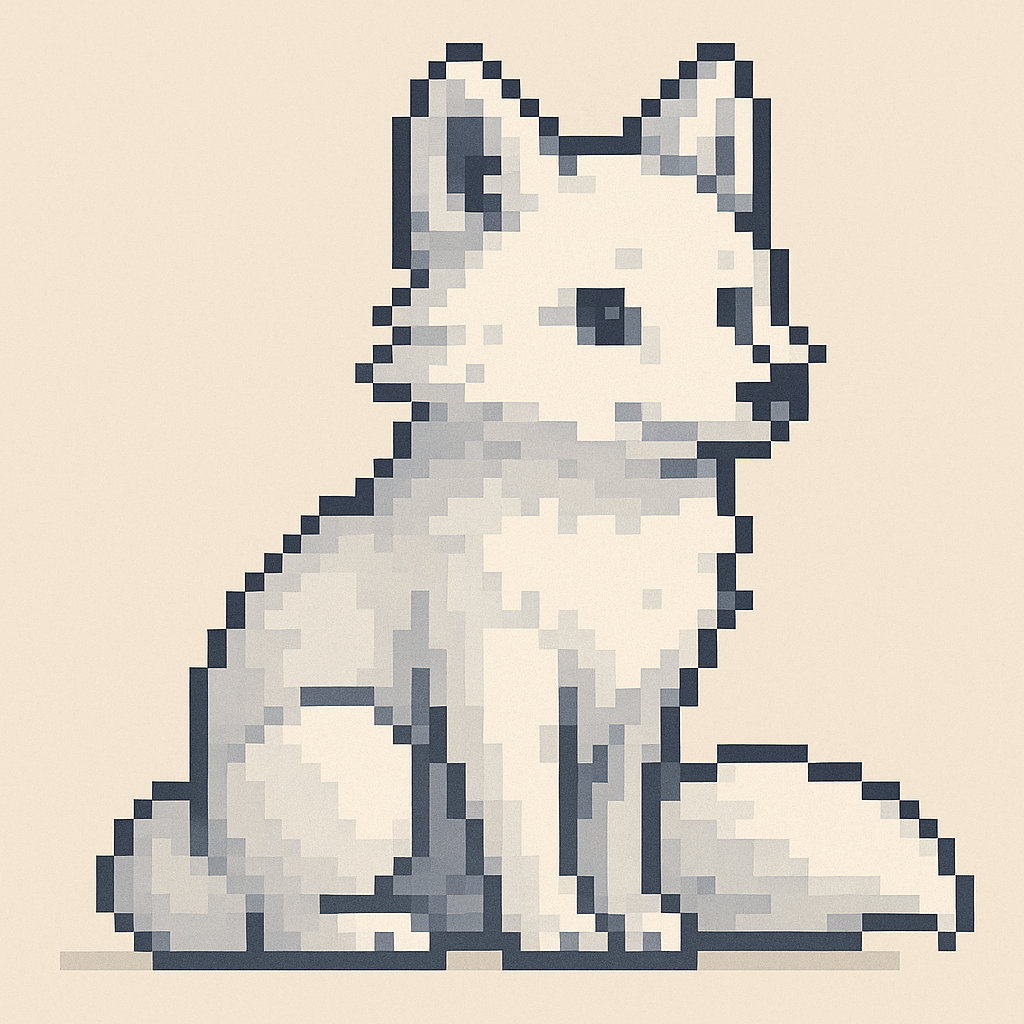
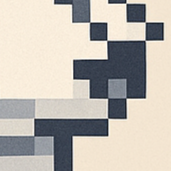
The difference becomes obvious when you zoom in. The original AI output has grainy, blurred transitions between colors. The converted version has perfect pixel boundaries and a fraction of the color count.

Stack and Infrastructure
The frontend is React and Next.js. The backend runs Node.js deployed on Fly.io. Authentication and the PostgreSQL database are handled through Supabase. Stripe processes payments. The AI inference layer started on Replicate and was later migrated to HuggingFace for better pricing on pay-as-you-go inference.
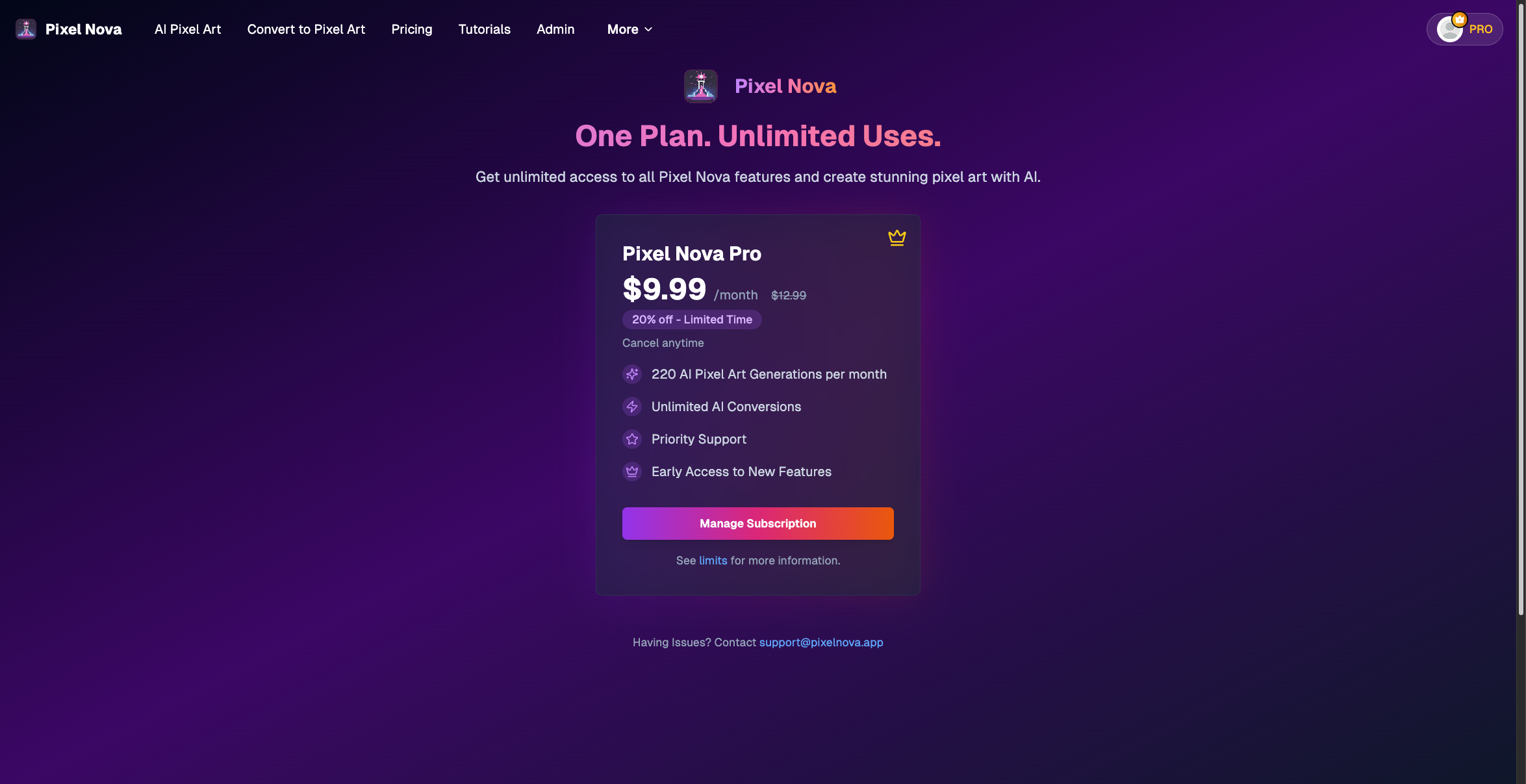
Infrastructure costs were low. Hosting ran approximately $6-7/month, and HuggingFace inference cost roughly $10/month at the usage levels I was seeing. A single paying subscriber covered operating costs. The pricing model was $9.99/month for 220 AI generations plus unlimited conversions. The math was simple: 100-200 paying users would represent meaningful revenue.
Launch and Growth
I launched PixelNova through a partnership with Pixel Palette Nation, a pixel art community that gave the product its initial distribution. The collaboration provided a built-in audience of people who cared about pixel art quality and were frustrated with the limitations of general-purpose AI generators. Community feedback shaped feature priorities: the conversion tool, palette customization, and export format support all came from direct user requests.
The platform acquired over 600 signups. For a solo-built product in a niche market, that number felt meaningful. But signups are not revenue, and the conversion from free to paid was poor.
Why It Did Not Work
The application experienced a period of downtime during which paying subscribers canceled. That churn hit during the critical early stage when every subscriber mattered. But even beyond the downtime incident, the underlying economics were not working.
The core problem was audience-market fit. The platform served general pixel art enthusiasts and digital artists, a segment that enjoys making pixel art but does not have high enough intent to pay a recurring subscription for it. Free tools and casual alternatives undercut the pricing, and the users who did sign up were not converting to paid at a rate that could sustain the product.
The AI model quality was a contributing factor. The HuggingFace LoRA models I used produced decent pixel art aesthetics, but they could not handle the constraints that professional and game-development use cases require: consistent character sprites across poses, animation frame coherence, clean isolated sprites on transparent backgrounds. The tool was useful for art and decoration, but the segment willing to pay monthly for that was too small.
The PixelLab Discovery
Around February 2025, I was actively considering a pivot toward game asset generation. The indie developer and "vibe coding" crowd on Twitter was visibly frustrated with diffusion-generated sprites that broke in actual game engines, and that seemed like a real market signal. During that research, I found PixelLab, an Aseprite plugin priced at $20/month that had already solved the hard problems I would need to solve: consistent character generation across poses, temporal coherence for animation frames, style locking, and API access. PixelLab was also integrated directly into the tool professional pixel artists already use, which is a distribution advantage a standalone web app cannot match.
So, PixelLab's existence validated the market hypothesis but also demonstrated that a well-funded competitor had already captured it with a more technically capable and workflow-integrated solution.
What I Learned
PixelNova taught me the difference between a sound technical insight and a viable business. The observation that AI generators do not produce real pixel art was correct. The custom downscaling algorithm I built to solve that problem was a genuine technical contribution, one that went through three complete implementations as I learned what worked and what did not. But being right about the problem does not guarantee you can build a business around it, especially when the problem exists in a market where free alternatives abound and the segment with real purchasing intent (game developers) needs capabilities that exceed what available AI models can deliver.
I also learned that timing matters more than I appreciated. I spent months building and iterating on the conversion algorithm while competitors with more resources moved faster on the generation side. By the time I was considering a game asset pivot, someone else had already shipped a better version of what I would have built, integrated into a tool I could not compete with on distribution.
If I were starting PixelNova today, I would skip the subscription model entirely and focus on the conversion tool as a free utility to build audience, then monetize through a different mechanism once I had enough users to understand what they would actually pay for. The conversion algorithm was the real intellectual property. I should have led with it more aggressively instead of bundling it behind a paywall alongside AI generation that was not differentiated enough to justify the price.