Overview
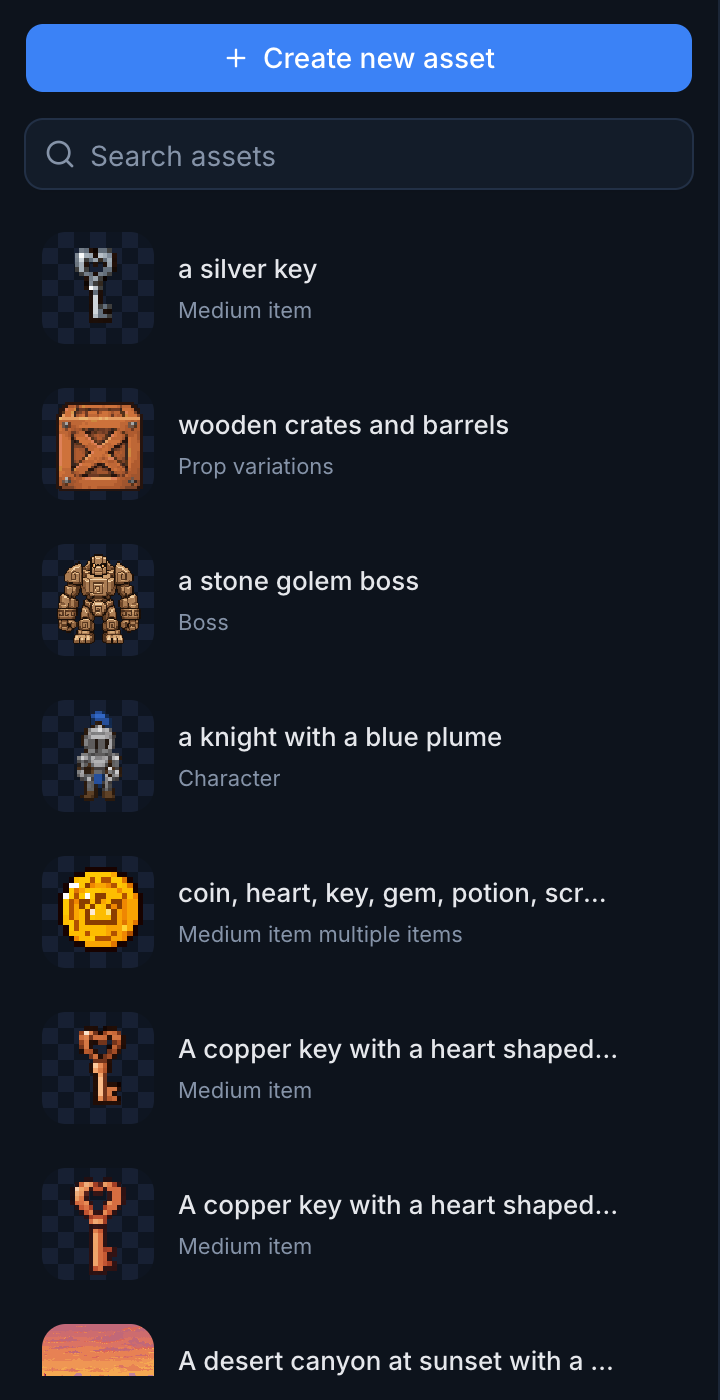
pixelart.dev is an AI pixel art generator for game assets. You describe a character, a prop, a tileset, or a background, and it comes back as a PNG rebuilt on a true pixel grid, with a fixed palette and a transparent background. Assets live inside projects that share style references, camera, palette, and size rules, so the tenth sprite you make looks like it belongs next to the first one.
I built it alone under PixelNova LLC. The first prototype worked on September 8, 2026, and the site was taking real payments through Stripe on September 17. The video below shows the product in motion.
Why I Came Back to Pixel Art
pixelart.dev is my second attempt at this problem. My first, PixelNova, proved that AI generators do not produce real pixel art and that a conversion algorithm could fix it. It also ended with a clear conclusion. The people with real intent to pay were game developers, and the models available at the time could not give them what they needed: consistent characters, matching props, and clean sprites on transparent backgrounds.
So this time I started from the game developer's side. The person I built for is usually a programmer who knows what their game should look like but cannot draw it. They are tired of testing with colored rectangles. They can find asset packs, but the character pack never matches the enemies or the props, and general AI image tools give them something attractive that still needs resizing, cleanup, transparency work, and palette fixes before it works as a sprite. Every new enemy, item, and environment adds more art to a small game, and hiring an artist for every prototype is unrealistic.
Snapping to a Real Grid
A generated image only looks like pixel art. The "pixels" drift, the grid is uneven, and the colors are not on a palette. The core of pixelart.dev is the processing pipeline that turns that image into a real sprite, and it is where my PixelNova work carried over most directly.
Grid detection is the step everything else depends on. The pipeline recovers the cell size by autocorrelating the image's edges, and both axes share one size. I made that rule after watching sprites come out stretched: a model drawing 7.6 pixel blocks is drawing 7 pixel blocks badly, and sizing the two axes separately is what distorts the sprite. Each cell then collapses to the real color that covers most of it.
The palette step had its own bug that taught me something. Median cut usually splits the color box with the widest range, but the neutrals in an image run from black to white, so they win every split. A large but tightly clustered color, like a green cloak, never gets a box of its own and gets quantized to the nearest brown. I fixed it by weighting each box by how much of the image it covers, and the muddy sprites went away.


I started with an existing Rust crate compiled to WebAssembly for the snapping, and then wrote my own grid engine as the default, keeping the crate around for comparison. Because the original image is always stored, rebuilding with a different palette, grid size, or output resolution takes a second or two and never calls the model again. That is why rebuilding and editing are free, and only new generations cost credits.
Making Assets Belong Together
A beautiful coin is useless if it comes back the same size as the hero. Scale is the difference between an image and a game-ready asset, so the app measures everything against one ruler, the height of the project's base character. A character is one unit, a pickup is half of one, a door is two, and a background is a whole screen. From that one ratio, the app derives the prompt framing, the shape of the canvas it asks for, and the real output size the pipeline snaps to.
Getting the model to respect those sizes was the hardest part of the project. My first instinct was to fix size with wording, and it did not work. On one test set, I asked for three bats described as "small, no bigger than the hero's head," and they still came back 45 to 64 pixels tall beside a 48 pixel hero. What actually moved the result was where the subject sat in the frame. When I told the model a small creature fills a quarter of the frame instead of half, the bats shrank. Bosses had the opposite problem. Filling a portrait canvas made them 2.8 to 3.3 times the hero's height and they towered over the level, so I moved them to three quarters of a square canvas, which brought them to between 2.2 and 2.9 heroes tall.
I found each of these numbers by writing probe scripts that generated a batch, measured the sprites, and logged the sizes. The code comments in the scale module are mostly a record of those measurements, because every rule in it was a guess until I could prove it with a ruler.
Starting From a Scene
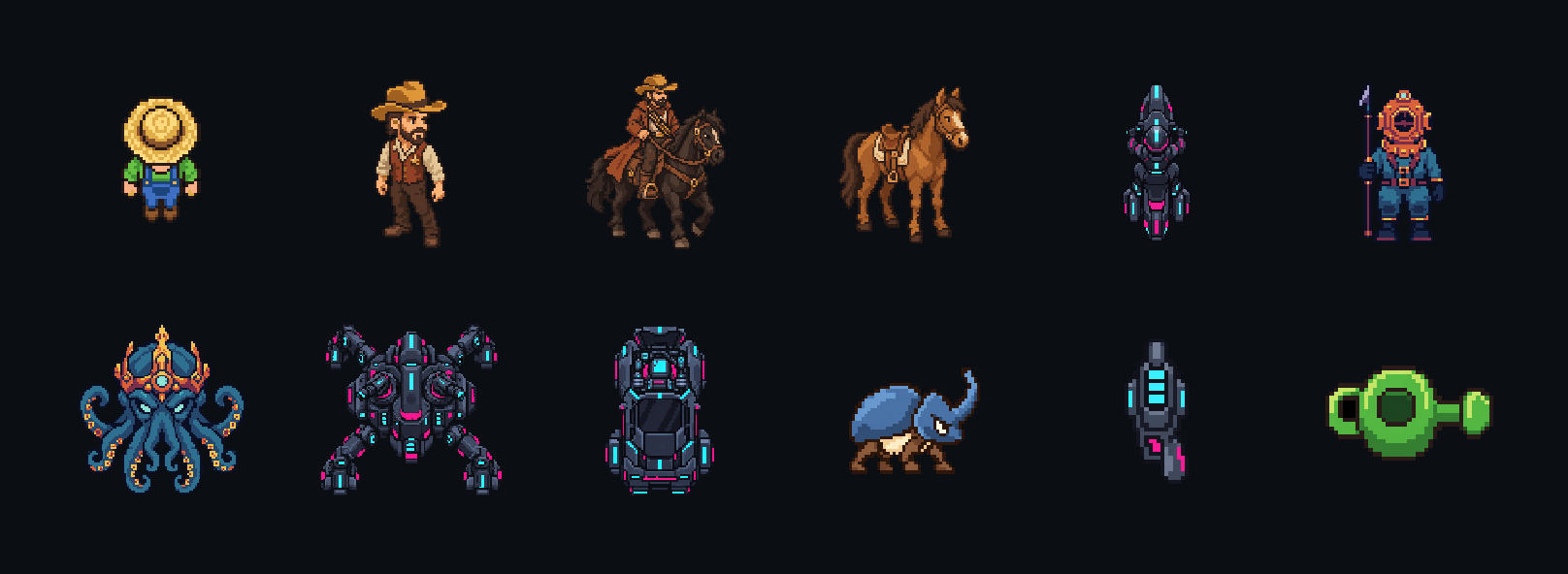
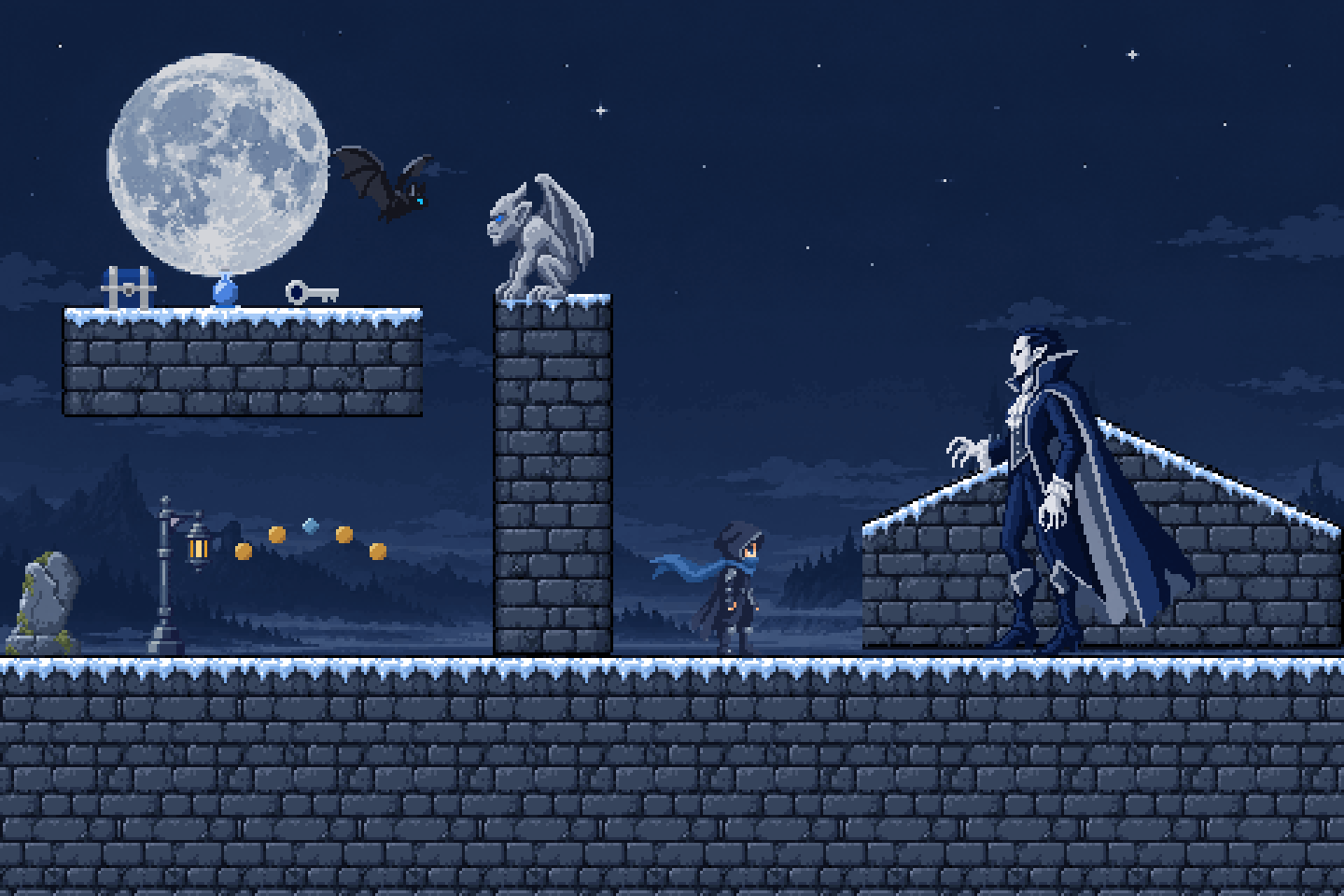
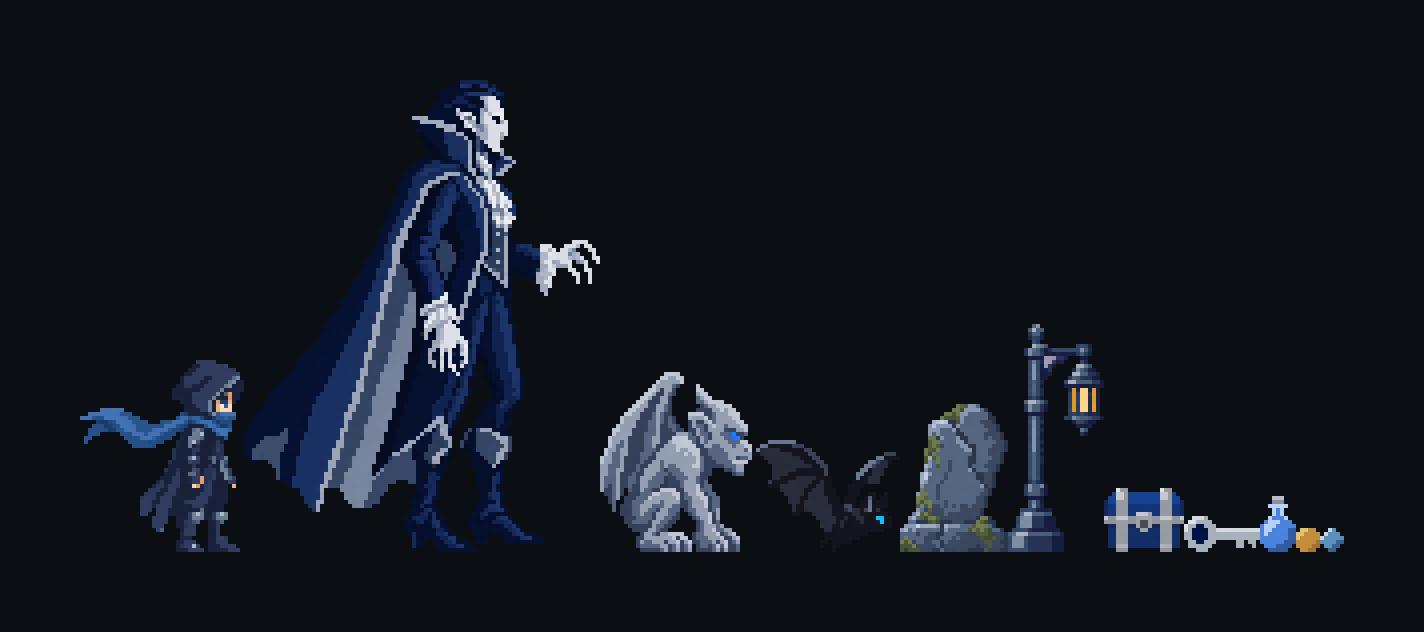
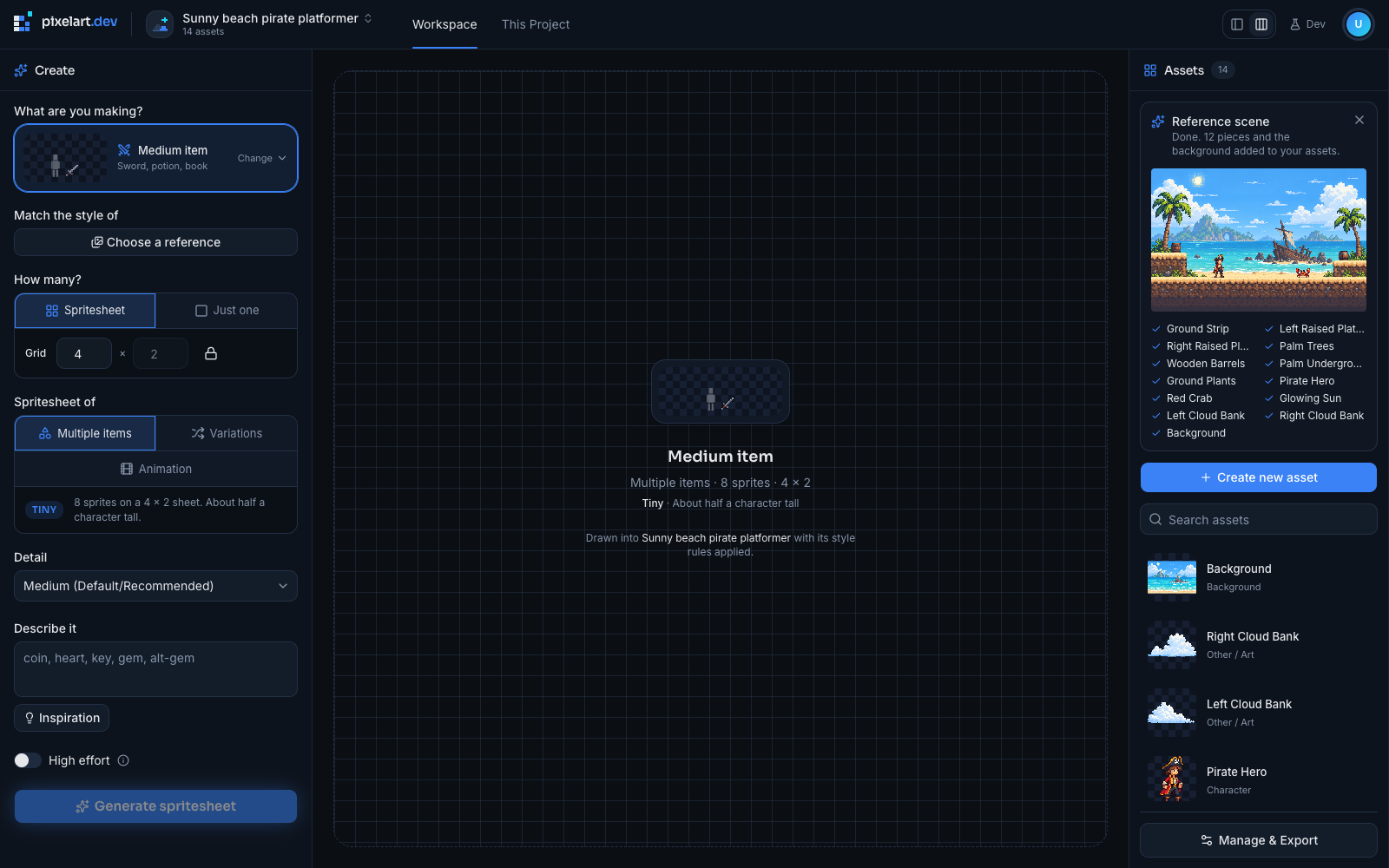
Even with the ruler, a style prompt alone gave me sets whose scale and colors were only close. So I built a way for a project to start from a scene. The user describes their game in a sentence, a screen of that game is drawn, and the screen is cut into up to twelve assets at the size each one had in the scene, plus the background with the play layer removed. The scene becomes the project's first style reference, and its camera, outline, and lighting settings are filled in automatically. A run takes about five minutes and is refunded if it fails before anything is cut.
A set cut from one scene matches by construction, which a prompt could never guarantee. The cutting still needed care. Pieces under 64 pixels are redrawn as clean sprites at the same size, because copied as drawn they read soft. Each piece keeps its own colors with near-identical shades merged, so a small sun comes back with 3 colors and a character with about 28.
Sheets, Backgrounds, and the Editor
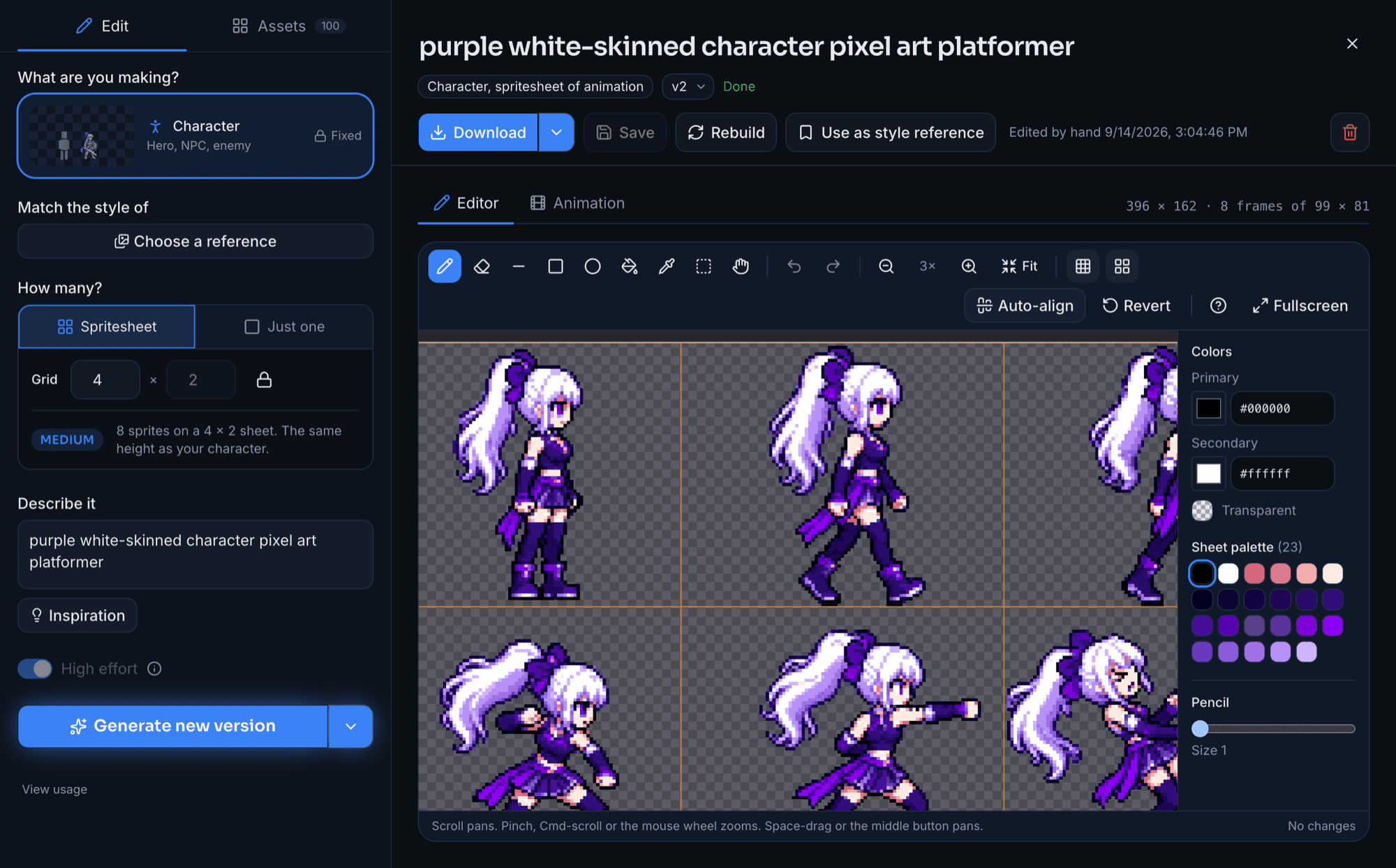
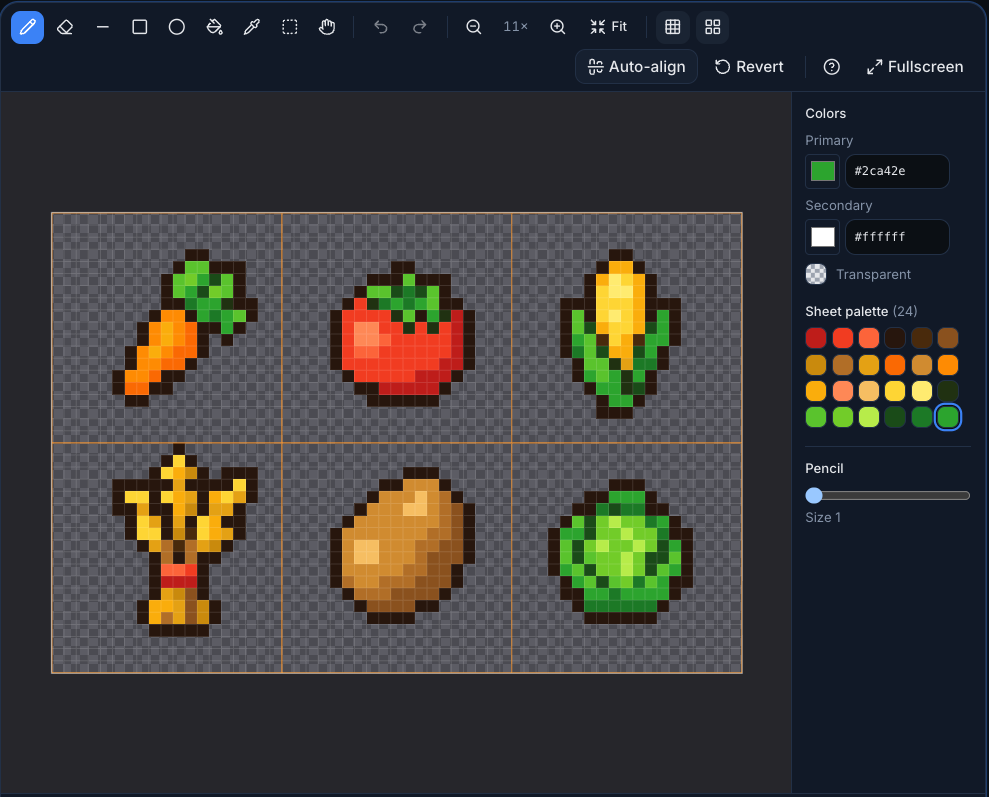
Single sprites were only the start. Within the first week, I added sprite sheets that come from one coordinated generation and get split into matching frames, parallax backgrounds that come back as two to four separate looping layers, and terrain tilesets. I also built an inline pixel editor with auto-align for finished sheets, because a good result with a few stray pixels should be fixed, not regenerated.
Nine Days to Live Billing
The product moved fast. After the prototype on September 8, sprite sheets arrived on September 9 and parallax backgrounds on September 11. Billing, credits, and the pricing page launched on September 14, the Terms of Service and Privacy Policy on September 15, and on September 16 I deployed to Cloudflare Workers. Stripe switched to live mode on September 17.
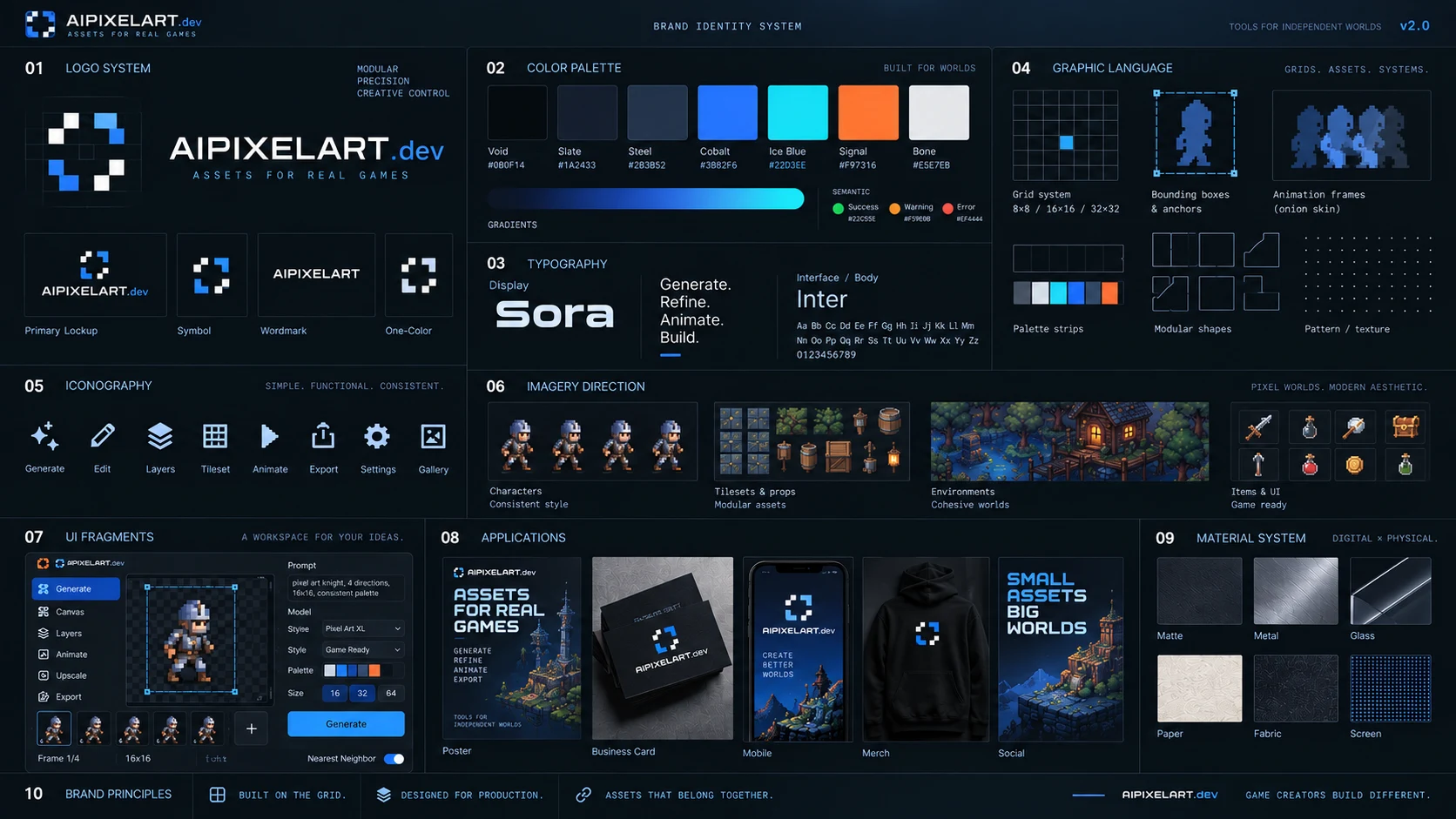
The name changed twice along the way. The product started as Pixel Nova, became AIPIXELART.dev, and settled on pixelart.dev on September 18 when I moved it to that domain. PixelNova LLC stayed as the legal entity. The brand board below is from the AIPIXELART.dev stage, and its palette, grid motifs, and the Sora and Inter type pairing carried through the rename.
Unlike PixelNova, pixelart.dev has no free plan. There are two monthly subscriptions: Hobbyist at $11.99 for 2,500 credits and Pro at $24.99 for 7,000 credits. A new account gets 300 bonus credits that become usable once a plan is bought, and failed generations are refunded automatically. Not every launch decision survived contact with users. I turned off the Cloudflare Turnstile captcha on sign in and sign up a few days after launch because it was blocking more real users than bots.
What I Learned
The most useful habit I built on this project was measuring instead of arguing with the prompt. When a sprite came back the wrong size, rewriting the description felt like progress but rarely changed anything. Generating a batch and measuring it told me which lever actually worked, and more than once it was a lever I would not have guessed, like the frame placement that finally shrank the bats.
I also learned that coherence is the real product. A single impressive sprite is easy now. A set of sprites that share a scale, a palette, and a camera is what a game developer needs, and every major feature I built, from the scale ruler to reference scenes, exists to close that gap.
Finally, I tried to be honest about what the tool cannot do yet. Consistency is much better with references and project rules, but it is not guaranteed, and very small sprites are still the weakest output. pixelart.dev launched in September 2026, so it is too early to report on usage. The question it can now answer is whether game developers keep coming back.